Antigravity A1 - The World’s First 360-Degree Drone
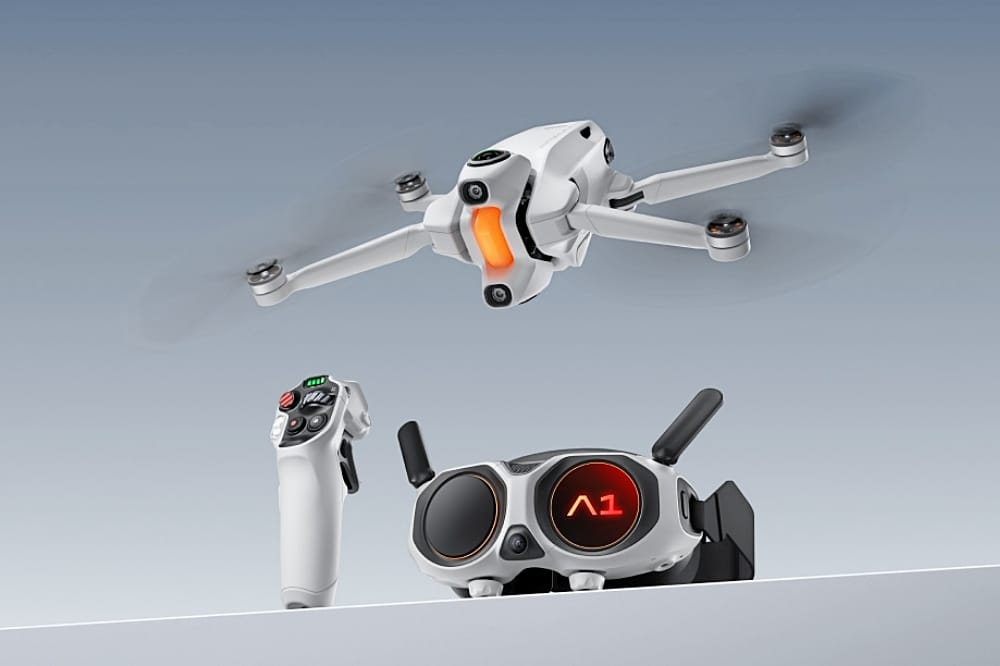
As someone who has been reviewing camera drones for over a decade, it's rare for me to encounter one that feels genuinely new, but what Antigravity has done with its first-ever product, the A1, essentially invents an entirely novel subcategory: the 360 drone.
Using the same shoot-first, frame-later technology as the Insta360 X5 (Antigravity is technically a distinct company from Insta360, but the brands have close ties), the A1 has twin cameras to capture everything around it, allowing the user to reframe the footage later using mobile or desktop apps.
Each of the cameras uses a 1/1.28-inch sensor and an ultrawide lens to capture a hemispherical view. In-camera software then joins the two views into a near-seamless single spherical video, completely removing the drone and its propellers from view (in much the same way Insta360's cameras remove a selfie stick).
The 360-degree clips can be as high as 8K and 30 frames per second in resolution, but 5.2K and 4K options are available for users requiring 60 fps or 100 fps frame rates. When output to a standard "flat" video, however, the resolution is limited to 4K or 1080p. The camera performs best in bright, clear conditions, and while there's noticeable softening and motion noise in certain parts of the image, getting great-looking clips out of it isn't difficult.
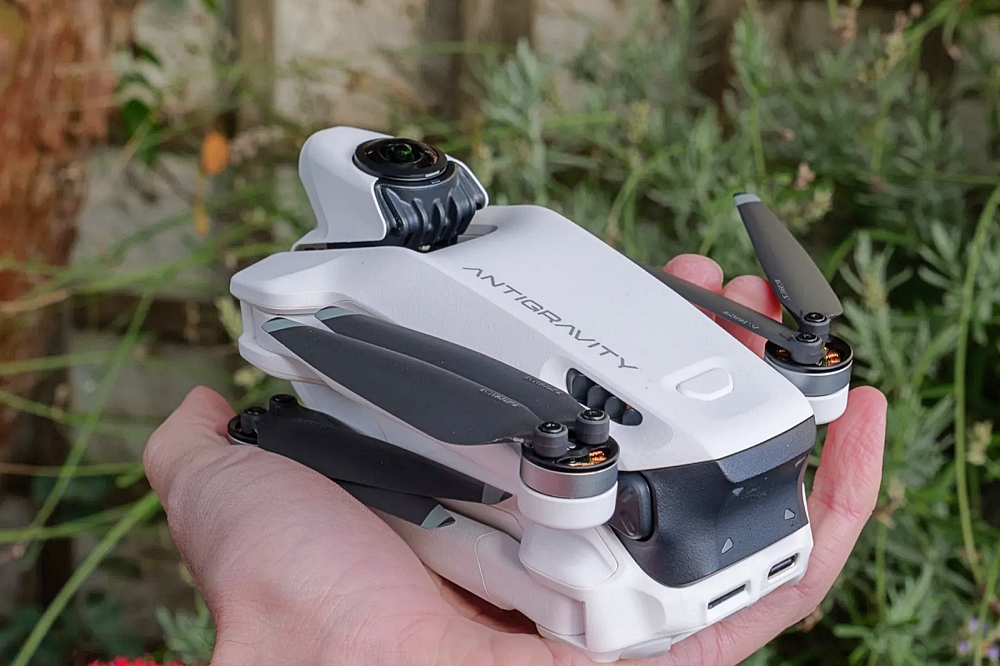
I think the output video looks very good for an aerial 360 camera, and it's clear that Insta360's know-how from making several generations of non-flying 360 cameras has been put to good use. The footage is easy to edit on both desktop and mobile apps, and although I preferred the former for its UI and the fine level of control it offers over scene trimming and image quality, I enjoyed the immediacy and AI-assisted highlight choices of the mobile app, too. If you just want to create a quick clip to share on social media, the mobile app is more than capable.
Quirky Controls
While the video capture and editing implementation is strong and the general design and build quality is good, I'm less enamored with the user experience, particularly in flight. In an apparent effort to make the A1 more accessible, Antigravity has built flight control around a set of goggles and a motion-sensitive grip controller.
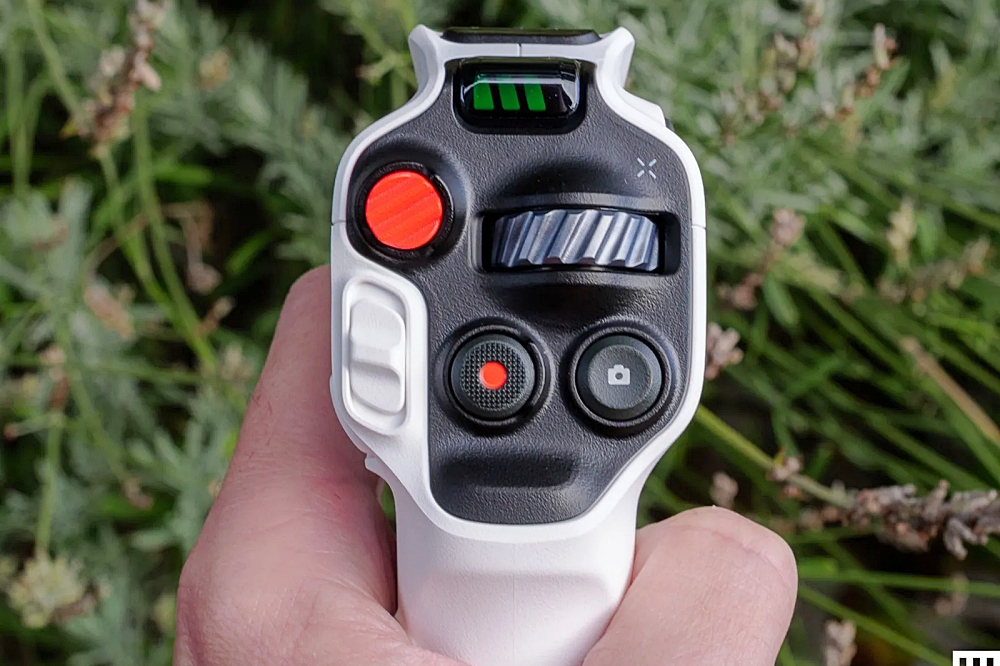
It's a similar control setup to the DJI Avata 2 FPV drone—a pointer controlled by the grip controller picks your direction of travel, and a trigger controls speed—but where the Avata 2 is nimble, responsive, and exhilarating to fly, the A1 is awkward, sluggish, and dull. I never really felt like it was going where I wanted it to go, or if it was, it was taking far too long to do it.
That's not to say it's a failure as a flier. The low speed, obstacle sensors, and return-to-home button make it safe to fly even for beginners, and the battery life of up to 24 minutes gives it plenty of flight time. It's also weighs less than 250 grams, so it won't require registration or remote ID in the US and is relatively restriction-free in terms of how and where it can be flown in the UK.
The goggles and grip controller are also very well-made. The goggles have excellent dual micro LED screens that can be focused and shifted for a crisp binocular view, and the adjustable headband makes them comfortable to wear.
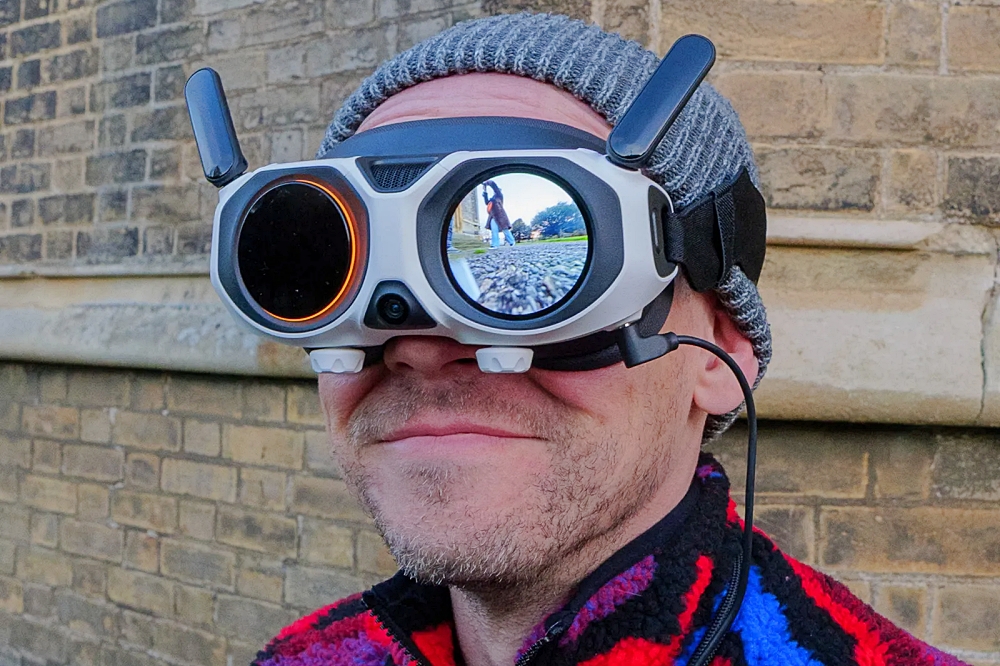
The fact that you're forced into using this control method is the issue I have. It means I need to bring a friend to act as a spotter every time I fly the drone, as well as remove my glasses before putting on the goggles, which also need to be connected to their own separate battery. Add in the sluggish controls, and it just makes for an overly time-consuming and complicated setup—a long way from the immediacy and convenience of, say, the DJI Mini 5 Pro. That is a drone you can pull out of a bag, fly for five minutes, and pack away without any fuss.
I would prefer an alternative control method of flying using a standard twin-stick controller with either its own built-in screen or a docked smartphone. I suspect a second-gen version of the A1 may well come with multiple control options.
The amount of gear in the setup may be the reason for the A1's high price, too. With standard bundles starting at $1,599/£1,219, it costs almost as much as a DJI Air 3S Fly More combo, which includes a touchscreen controller. That's a premium drone with two pro-quality cameras and excellent, easy-to-master flight controls. And while the Air 3S can't do what the A1 can do in terms of 360-degree video, its image quality is absolutely superb in most conditions.
Source: Wired